
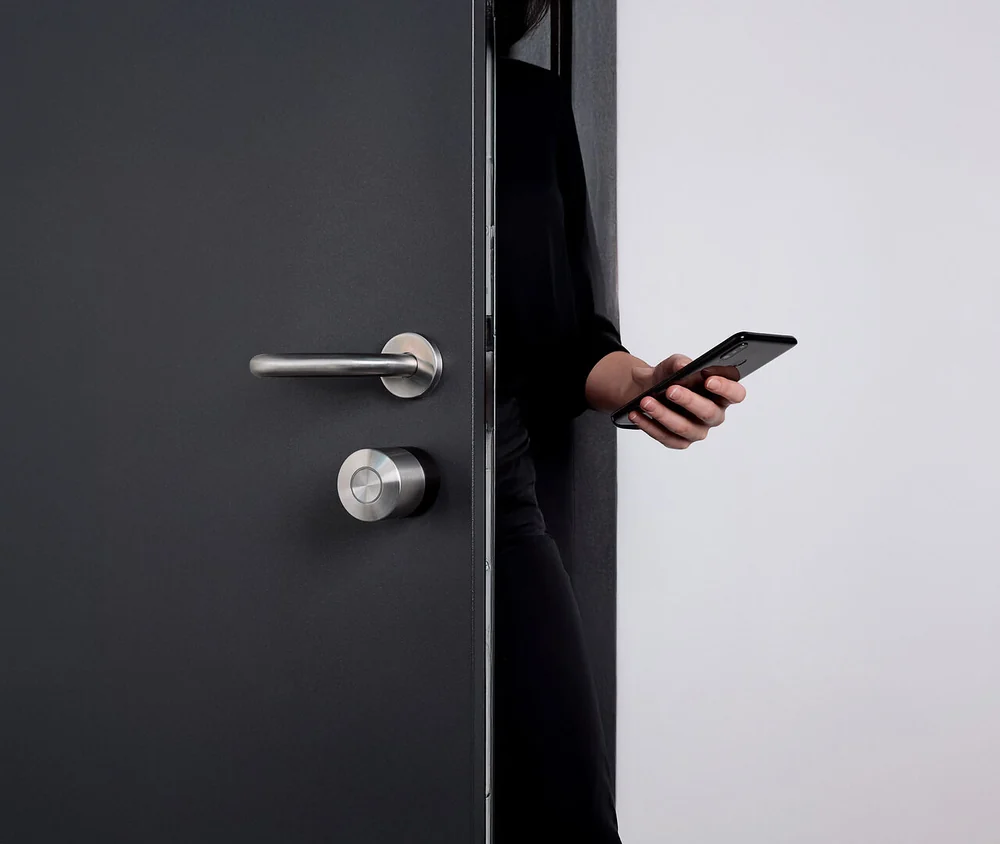
1. Identify the door and cylinder
For your consultation, photograph the inside of the door and its fittings. Note whether there is a key or a thumbturn on the inside. Do not publish key profiles or access credentials. Pro (5th generation) is designed for suitable key-operated cylinders; depending on the cylinder, Go can also be used with a knob adapter. Ultra requires replacing the cylinder.
2. Check clearance and locking
There must be enough space between the cylinder, handle and frame for the selected model. Check that the door locks without force. A sticking door or stiff lock should be repaired first. A Smart Lock operates the existing locking mechanism; it does not repair mechanical faults.
3. Plan access from outside
When fitting the lock over a key left inside, it is important that the cylinder can still be operated from outside. This is often called an emergency and danger function. Have the specific cylinder checked and first test operation with the door open. Decide how you will gain access if the battery is empty.
4. Distinguish the building entrance from the flat door
The Smart Lock is fitted to the flat or house door. A Nuki Opener connected to a compatible intercom may be suitable for the electric release of a shared building entrance. The intercom manufacturer and model are needed. Agree any changes to shared systems with those responsible beforehand.
5. Agree on use and setup
Note how many people will use the lock and whether you want code, fingerprint or remote access. List existing smart home hubs. This helps establish the model and accessories required. Calibration, permissions, charging plans and user guidance are part of the agreed setup at handover.