The app: your direct access
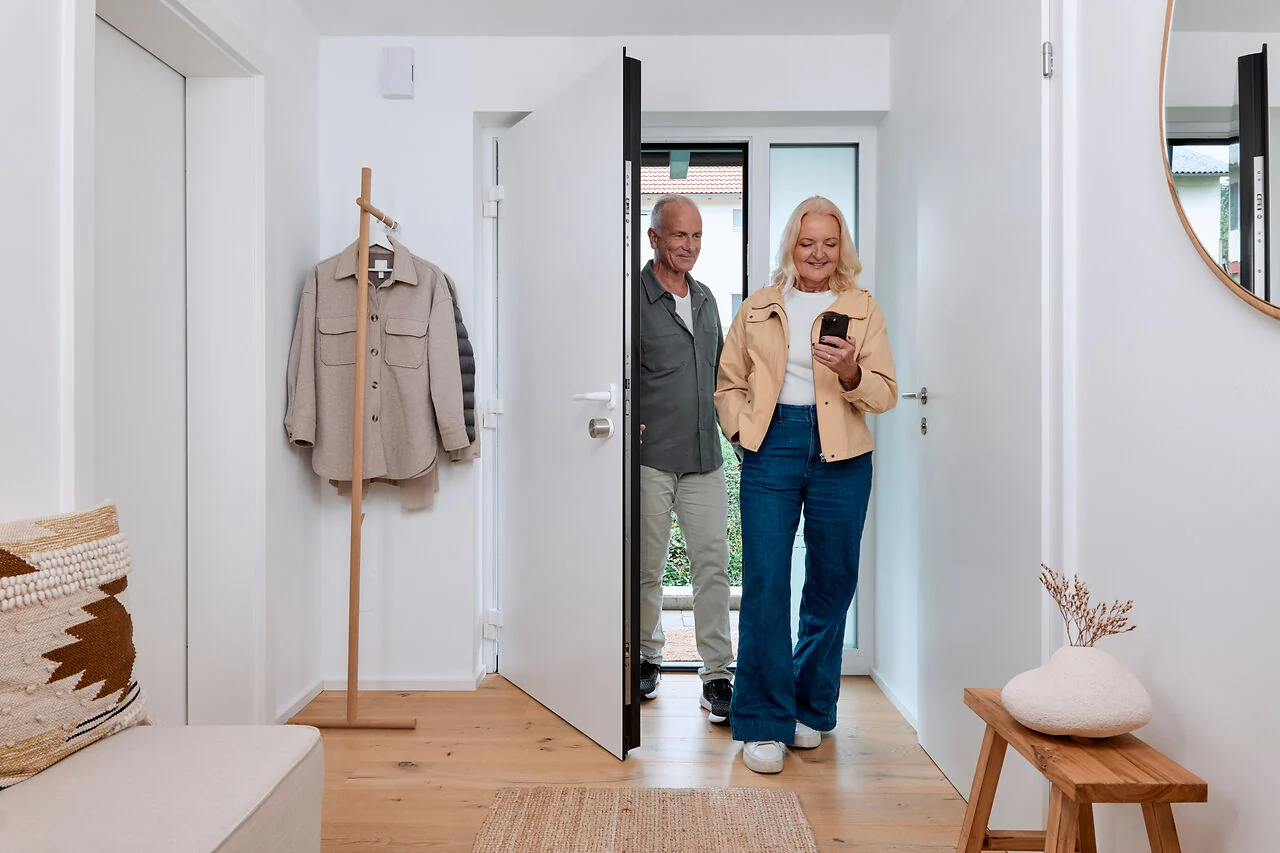
The Nuki app lets you operate and manage the lock. Nearby, your smartphone communicates with the device via Bluetooth. Android and iOS are supported; Bluetooth 4.0 or later is required. Nuki supports the current and two previous operating system versions. Keep the app and device software up to date.
Android and iOS: details matter
On Android, some convenience features require Google Play Services. Without them, features such as Auto Unlock, location changes and certain alerts are unavailable. Automatic unlocking also requires suitable permissions and phone settings. During setup, we test the desired features on your phone.
Matter and Thread: two different roles
Matter defines how compatible smart home devices work together. Thread provides Nuki's wireless connection to the smart home. A Thread Border Router links that wireless network to the rest of the network. You also need a suitable Matter controller; both functions may be built into one hub. A standard Wi-Fi router on its own is generally not sufficient.
Choose suitable platforms and routines
Nuki lists Apple Home, Google Home, Amazon Alexa and Samsung SmartThings as supported Matter platforms. Availability and features depend on the hub and its software. According to Nuki, Google Home currently does not support voice commands to lock or unlock because of a limitation affecting PIN-protected security actions. Plan the exact controls you need and test them before handover.
Set up remote access deliberately
For access away from home, your chosen solution needs a working internet connection. Nuki Remote Access is included with Pro (5th generation) and Ultra and can be activated separately on Go. Remote control through a Matter platform depends on its hub and features. Local Matter control and Nuki remote access are separate connection paths.
Plan for everyday use and outages
Depending on the platform, lighting, heating or occupancy routines can be planned alongside access. Responsibilities and the response to internet outages should be clear. A Smart Lock is an access solution and does not replace an alarm system. Discuss door monitoring, physical protection and other security equipment as separate requirements.