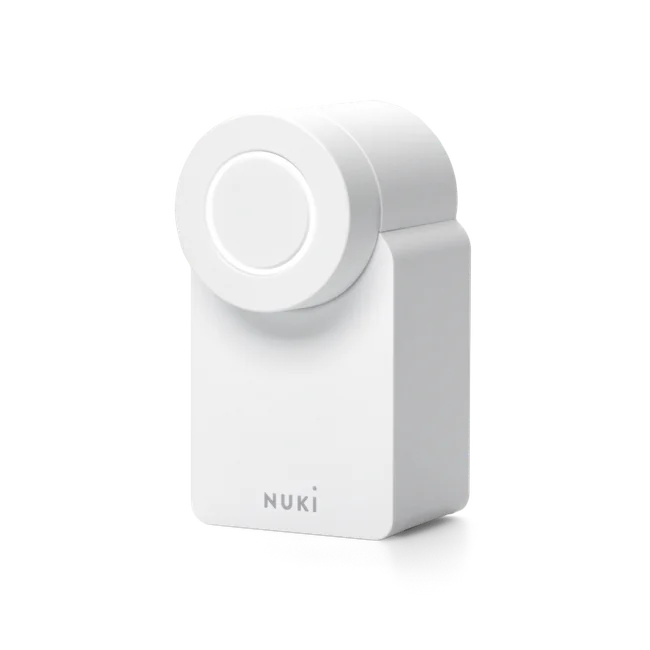
An accessible retrofit option
Nuki Smart Lock Go
For suitable existing cylinders. An option if you want to start with app access and expand your setup later.
Nuki Remote Access can be activated separately.
Check door compatibility →
Smart home & access · Sicherheitstechnik Kondul
As a Nuki partner, Kondul advises you on digital door locks, suitable accessories and integration with your smart home. From checking your door to installation and personal guidance.

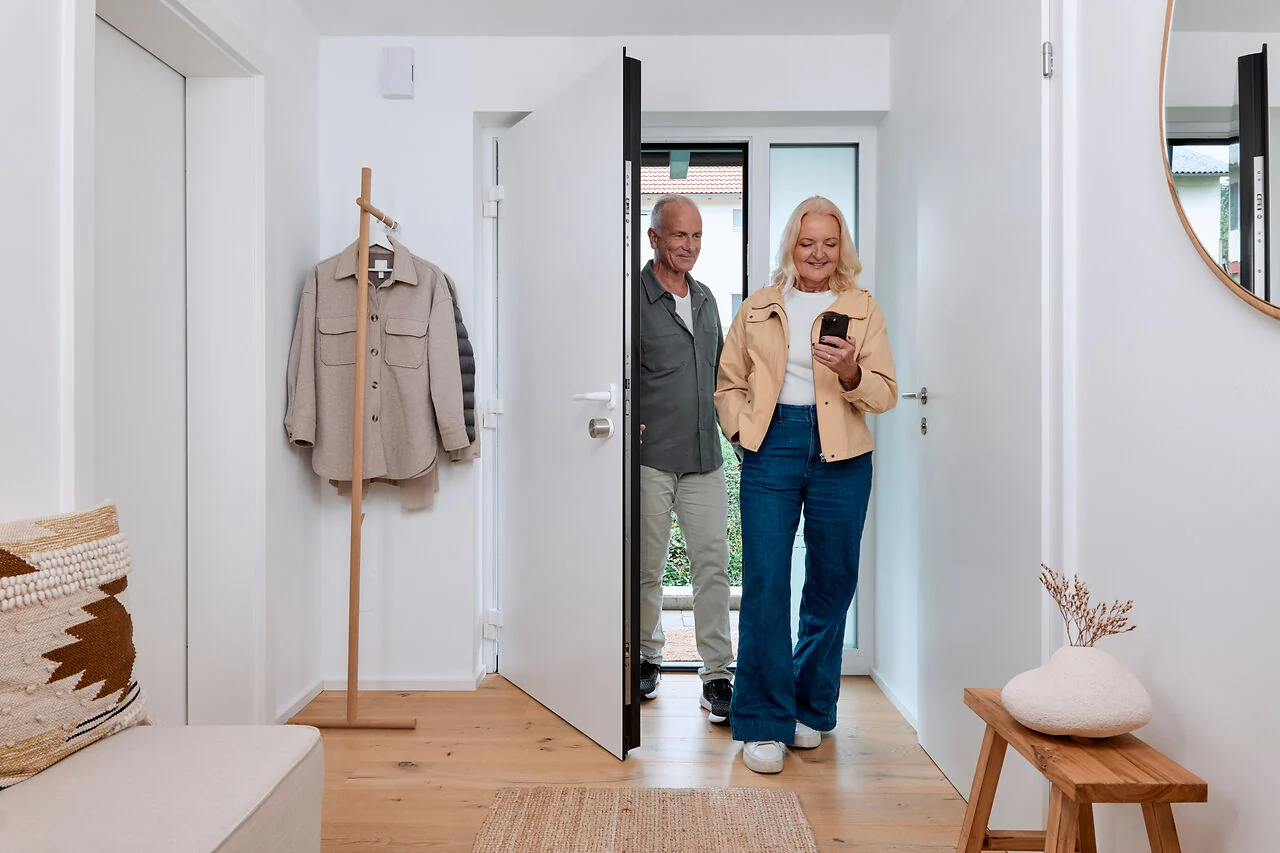
Nuki Smart Locks at a glance
Go, Pro or Ultra: your door, preferred controls and requirements determine the choice. Explore the differences here.
An accessible retrofit option
For suitable existing cylinders. An option if you want to start with app access and expand your setup later.
Nuki Remote Access can be activated separately.
Check door compatibility →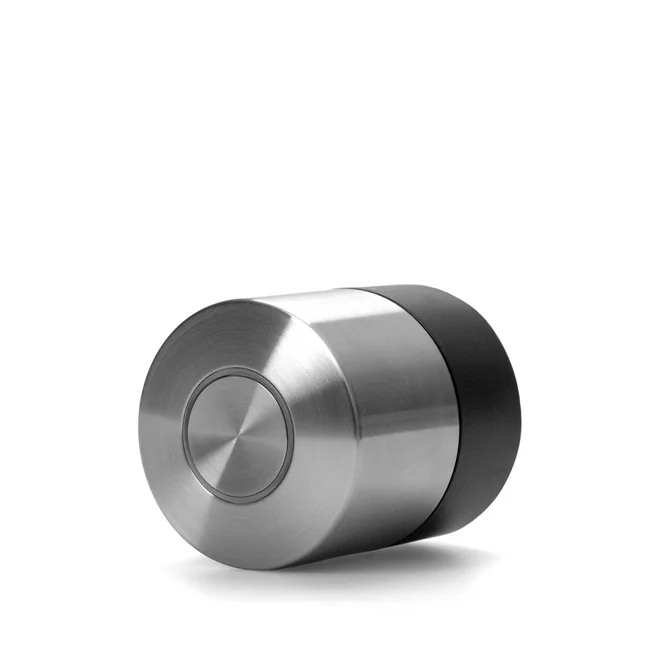
Compact, on your existing cylinder
The fifth generation is fitted inside the door on a suitable key-operated cylinder. A built-in battery and remote access are included.
Check compatibility with the cylinder and door fittings.
Check door compatibility →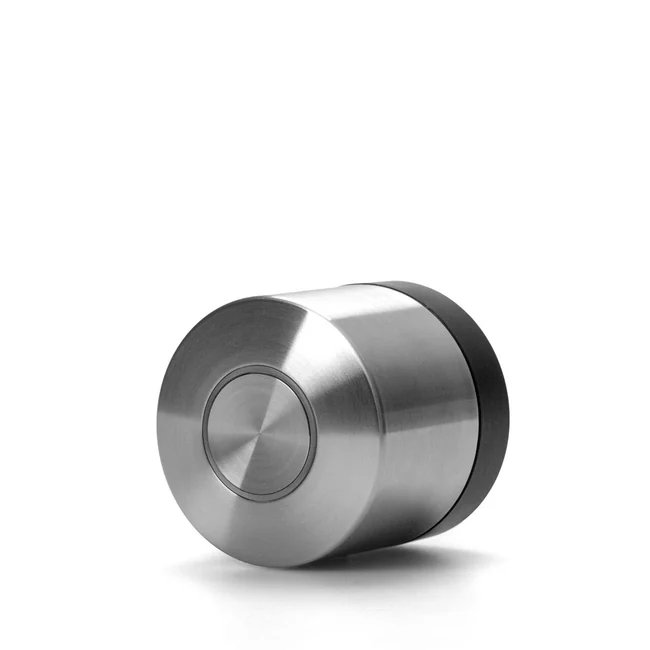
With a new locking cylinder
A compact solution with the supplied Universal Cylinder. Replacing the cylinder is part of the installation.
Built-in battery and Nuki Remote Access included.
Check door compatibility →Manufacturer details: Nuki: Smart Lock Go ↗ · Nuki: Smart Lock Pro (5th generation) ↗ · Nuki: Smart Lock Ultra ↗
The door first. Then the model.
Choosing the right smart lock starts with a door check. We assess the cylinder, fittings, available space and locking mechanism together.
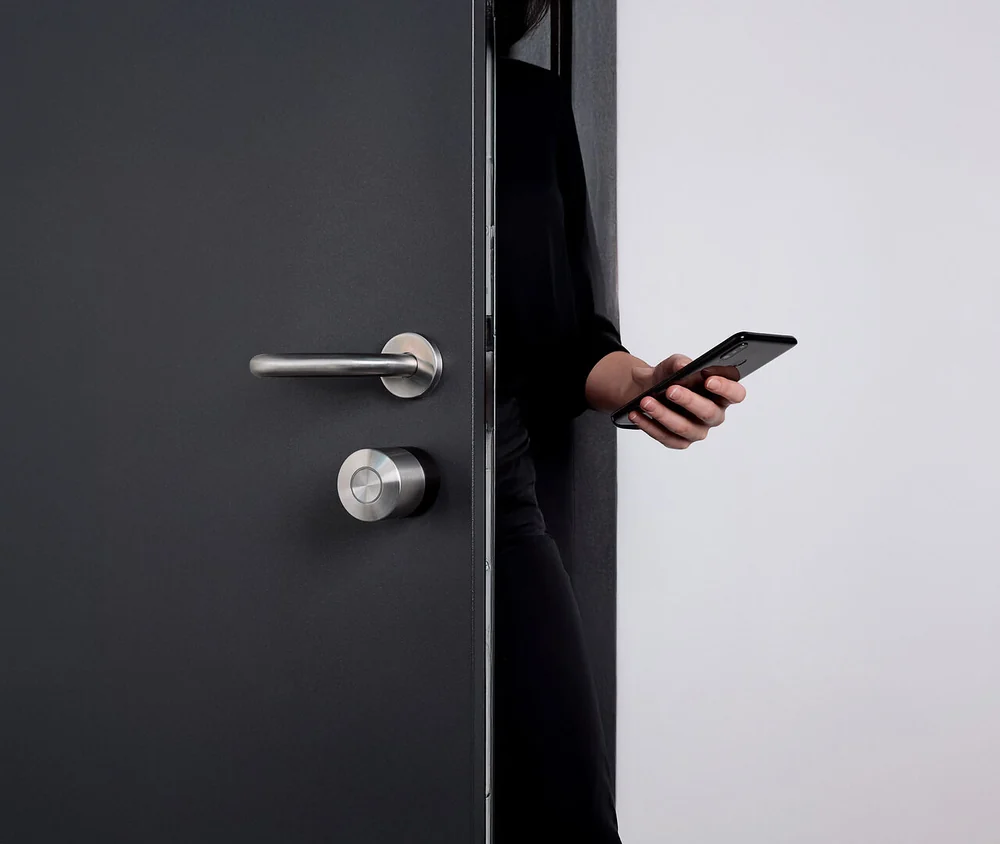
The Nuki app
Operate your lock, manage permissions and adjust settings to your routine. The examples show the German Nuki app on Android.
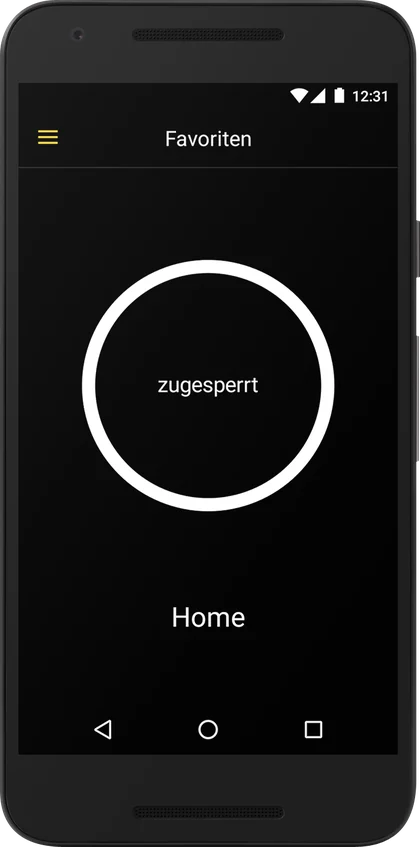
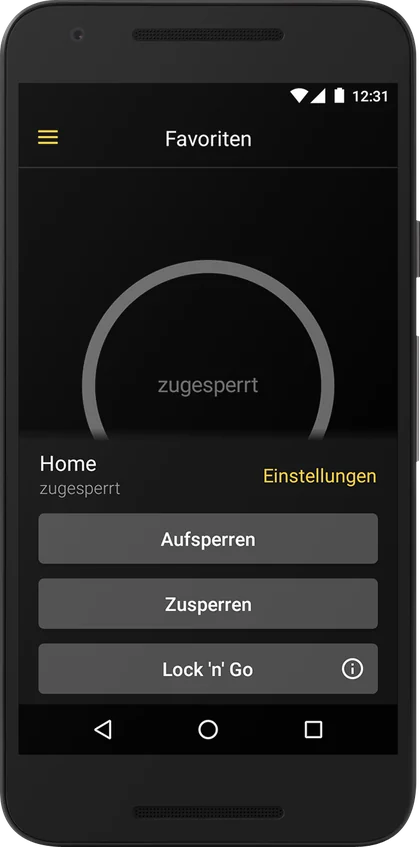
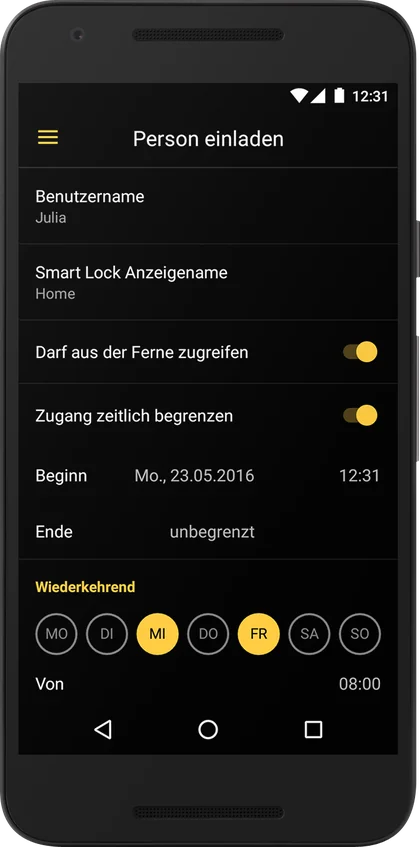
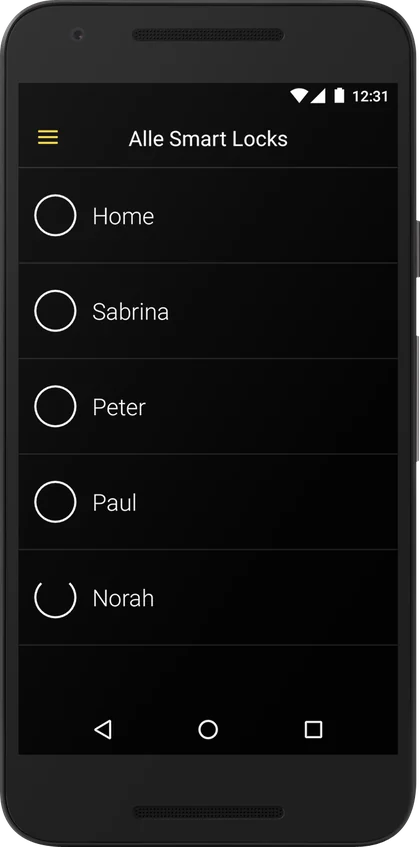
Nuki requires Bluetooth 4.0 or later and supports the current and two previous iOS and Android versions. Current download links are available from the manufacturer.
On Android, some features require Google Play Services, including Auto Unlock and certain notifications. We check app permissions and settings during setup.
Nuki: app requirements ↗ · Appearance may vary by app version.
A smart home that fits your life
Matter over Thread lets suitable Nuki Smart Locks connect to supported systems. We establish which hub you have and which routines you would like.
Your smartphone controls Nuki via Bluetooth. Convenient for direct operation at the door.
Matter connects compatible devices. A suitable Matter hub and a Thread Border Router are needed, often combined in one device.
Remote access requires suitable setup and internet connectivity. On Nuki Go, Nuki Remote Access is activated separately.
We plan lighting, heating and occupancy routines around your platform's capabilities. Features and voice control depend on the system.
Nuki: Matter and supported platforms ↗ · Nuki: setting up Matter ↗
Understand Android, iOS and Matter →More than a smart lock
Family, guests, office or shared entrance: accessories extend access where you need it.
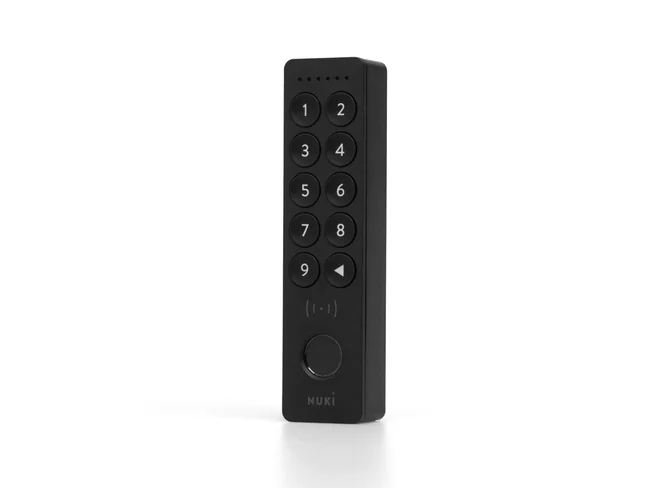
Access by code, with fingerprint access on Keypad 2 and NFC on Keypad 2 NFC. We check the compatible smartphone and wallet features for your specific setup.
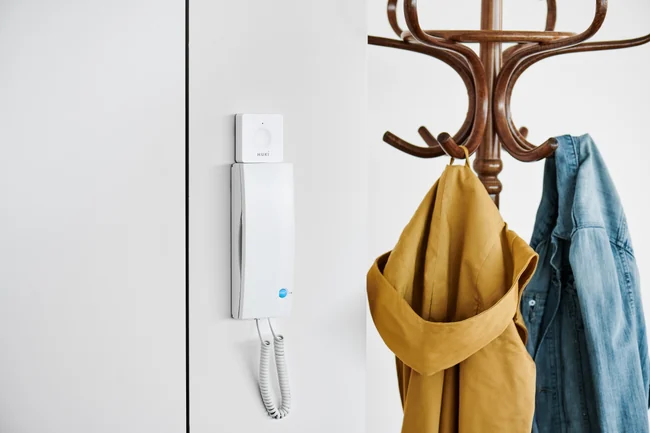
For suitable intercoms: Opener operates the electric door release. A Bridge enables Nuki remote access. The intercom manufacturer and model determine compatibility.
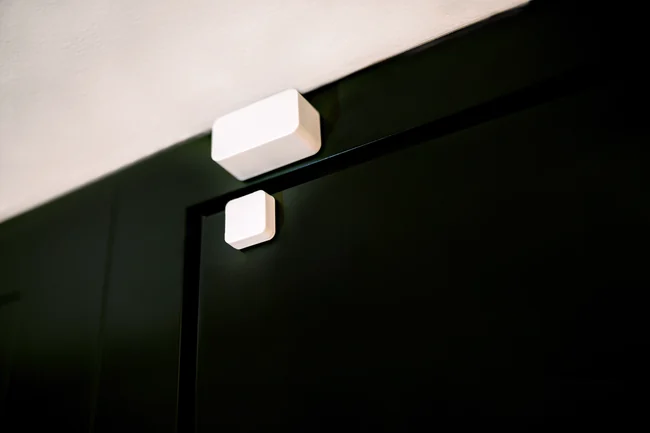
Door Sensor adds information about whether the door is open or closed. Fob and Power Pack are further options for suitable models. We select accessories around your routine.
Apartment buildings may need different solutions: a Smart Lock on the flat door, an Opener on a compatible intercom or a centrally planned building solution. We involve property management and clarify existing equipment and responsibilities early.
More about intercom systems →Nuki in action
The three manufacturer videos load only after your consent. This establishes a connection to YouTube/Google. The videos are in German.
Consent applies to external media on this website. You can withdraw it at any time in the .
From your idea to an installed lock
We assess your requirements, existing door and possible extensions.
You receive a clearly defined scope. The model, accessories and any cylinder replacement are agreed to suit your needs.
The app, permissions and agreed integrations are configured and explained together.
Frequently asked questions
Does your door need a closer look?
Ask your question →That depends on the cylinder, fittings and door mechanism. Go and Pro can be retrofitted inside a suitable door; Ultra involves replacing the cylinder. We also check clearance, smooth operation and mechanical access from outside.
Yes, the Nuki app is available for Android and iOS. Nuki specifies Bluetooth 4.0 or later and supports the current and two previous operating system versions. Without Google Play Services, Android lacks features including Auto Unlock and certain notifications.
Nearby operation uses Bluetooth. Access away from home requires a configured remote access solution and internet. Pro (5th generation) and Ultra include Wi-Fi and Remote Access. Nuki Remote Access can be activated separately on Go. Opener can be controlled remotely through a Bridge.
Suitable Nuki Smart Locks support Matter over Thread, including integration with Apple Home, Google Home, Amazon Alexa and Samsung SmartThings. A compatible Matter hub and Thread Border Router are required. Available features depend on the platform, devices and software.
Depending on your setup, you can use a key, Fob or Keypad. Keypad supports codes, Keypad 2 adds fingerprint access and Keypad 2 NFC adds NFC. We check smartphone and wallet features for the particular combination.
Remote access stops without internet; local Bluetooth operation requires a charged Smart Lock and a suitable phone. The motor cannot operate with an empty lock battery. Charging plans and verified mechanical access from outside therefore form part of the setup.
The Nuki app lets you manage individual permissions and set time limits. We discuss who may administer access, how permissions are revoked and which controls suit family or guests.
The total depends on the Smart Lock, accessories, any cylinder replacement and setup. After assessing your door, we provide a quotation covering equipment and agreed services. You can request a free initial consultation directly from Kondul.
Guides & blog
Smart home · Guide
Before choosing a model, take a closer look at your door. This checklist helps you gather the right details for a Nuki consultation.
Read more →Smart home · Guide
App control, smart home integration and access away from home serve different purposes. Understanding these connections helps you plan the right setup.
Read more →Access control · Guide
Which controls suit your users and entrances? Learn more about planning digital permissions.
Read more →More services from Kondul
Smart access complements the planning for your home. Explore the related services.
Your Nuki partner in Berlin
Talha Kondul personally advises you on Smart Locks, accessories and integration with your home. Your initial consultation is free and without obligation.
Details about the door, cylinder and existing smart home devices are helpful.
Manufacturer information checked on 15 September 2026. Features and compatibility may change with product and software versions.
All Nuki product photos, lifestyle images, app screenshots, video preview images and the Nuki partner badge on this page: image credit nuki.io · Nuki Home Solutions GmbH. The images show Nuki products and examples supplied by the manufacturer.
Created with AI assistance. About our texts and sources
Request a callback
Complete the short form. After checking your details, you send the callback request yourself via WhatsApp.
Request a callback
Request a callback
Please send the prepared message yourself in WhatsApp. We usually call you back within 24 hours on working days.
Opening WhatsApp transfers your details to WhatsApp/Meta. The message is only sent when you submit it in WhatsApp.